
Measure your glucose with GLUCUBE.
No finger prick. No blood draw. In 20 seconds.
STEP BY STEP
It's that simple.
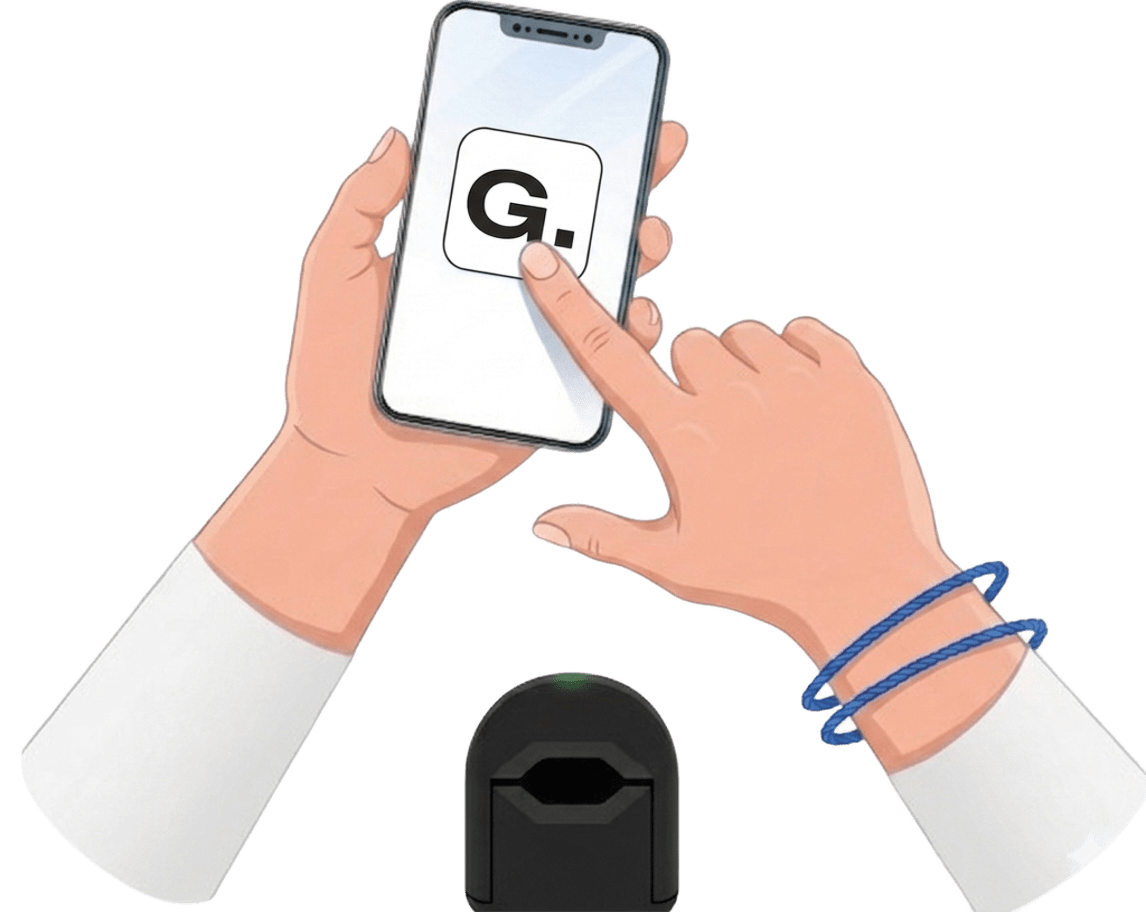
01
Open the App & Power On
Open the GLUCUBE APP on your phone and press the button on the device. It connects automatically via Bluetooth.
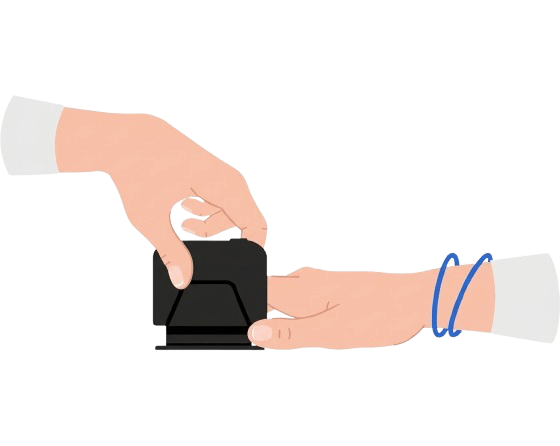
02
Place Your Finger in the Device
Rest your finger inside the device and relax. No lancets, no pricks, no pain.
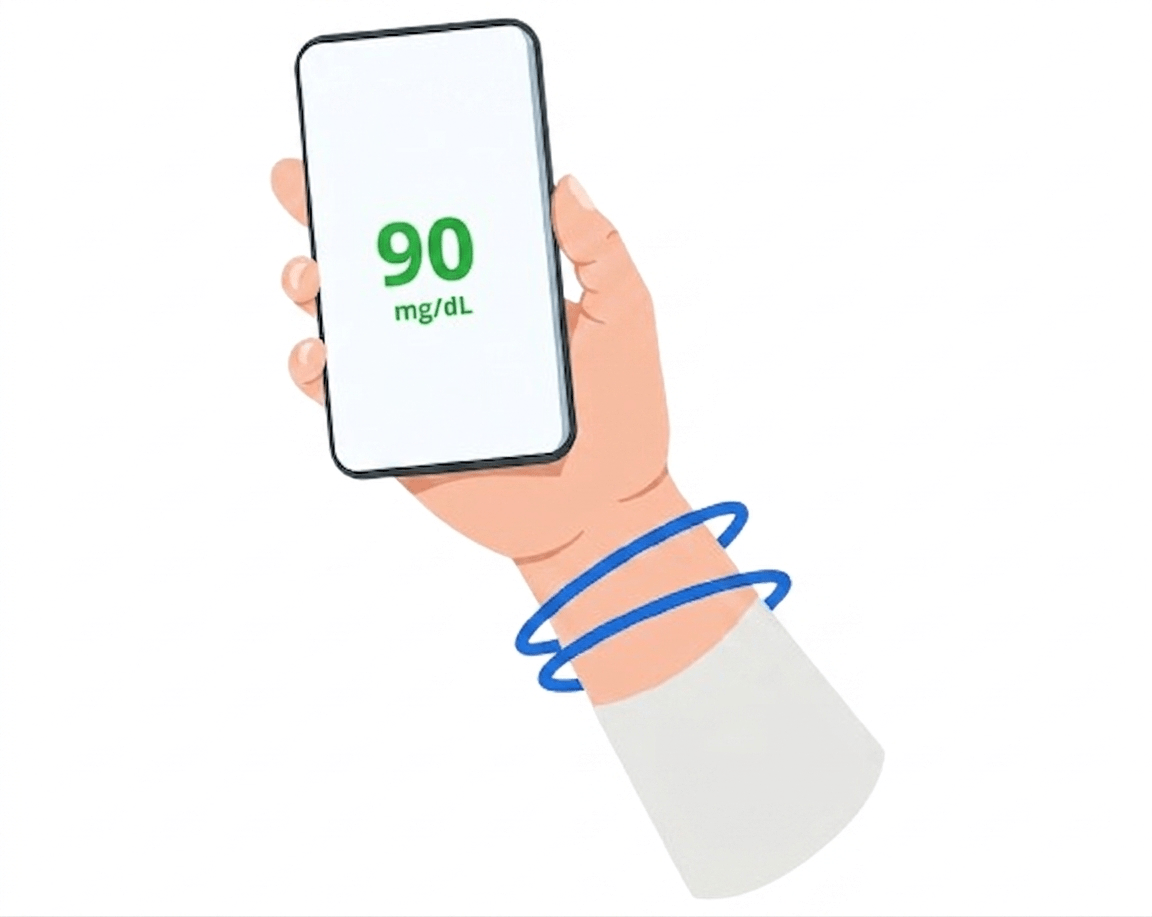
03
Results in 20 Seconds
Your reading appears in the app in just 20 seconds, ready to save to your history.
How GLUCUBE measures your glucose without finger prick.
STEP 1 · IN THE DEVICE
Signal Capture
The device emits infrared light onto your fingertip. The light passes through tissue and blood, and each blood component absorbs it differently. GLUCUBE captures these variations and sends them to the app on your phone for processing.
STEP 2 · IN THE CLOUD
Glucose Calculation
The captured signal undergoes advanced processing that isolates glucose from the rest of the blood components, delivering a glucose concentration level in seconds — no blood sample needed.
INITIAL CALIBRATION
GLUCUBE adapts to you.
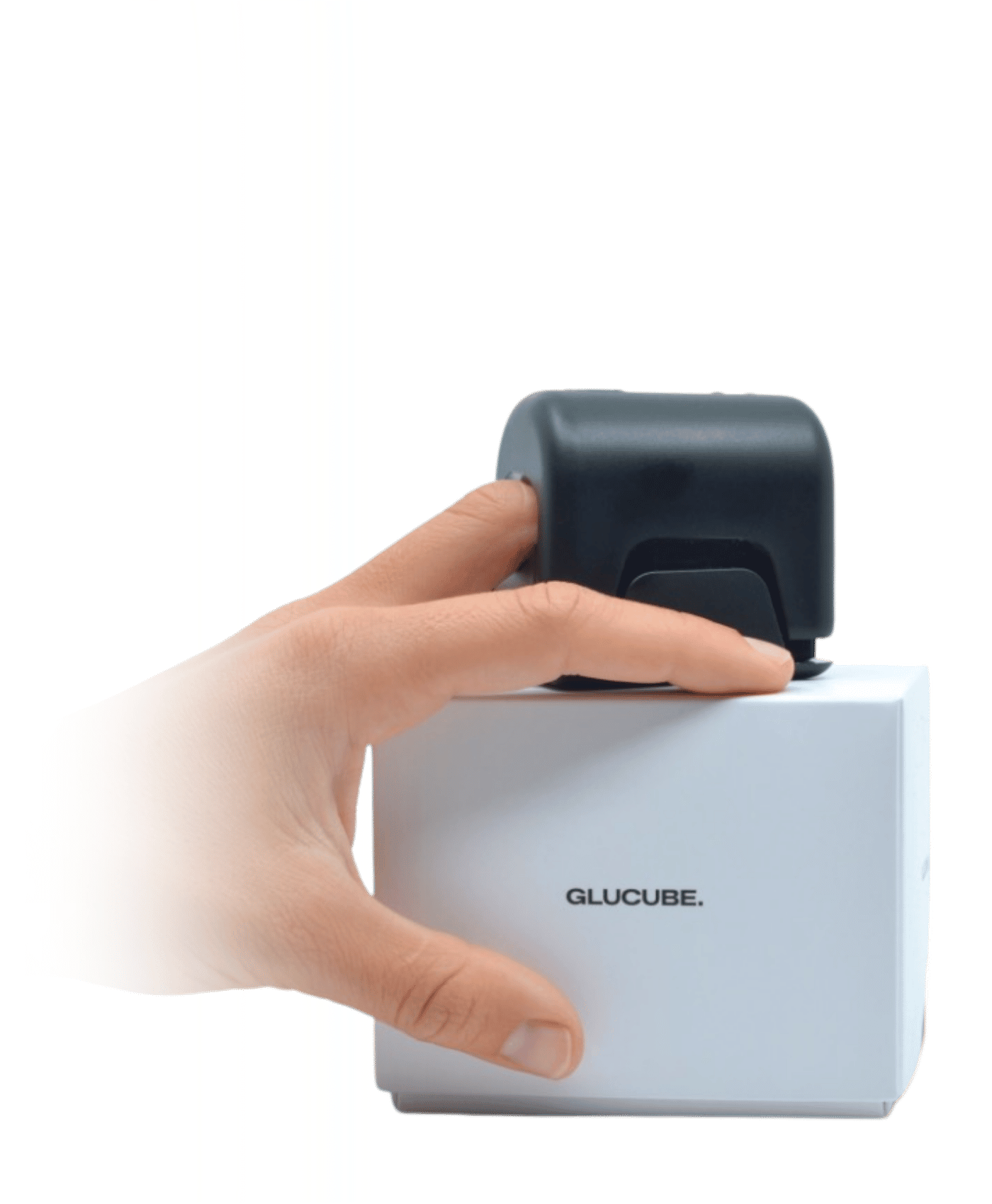
GLUCUBE requires reference values from a capillary glucose meter to fine-tune its readings to your body and lifestyle. The device learns from every reference measurement you enter — the more you provide, the more accurate and complete your readings become. This is especially recommended if you experience changes in your habits, weight, or medication. The app will guide you through the process.
Clinical studies show a progressive improvement in performance during the first few weeks, as the user completes the calibration process and gets familiar with the device.
ONGOING TRACKING
Every reading counts. Every reading is saved.
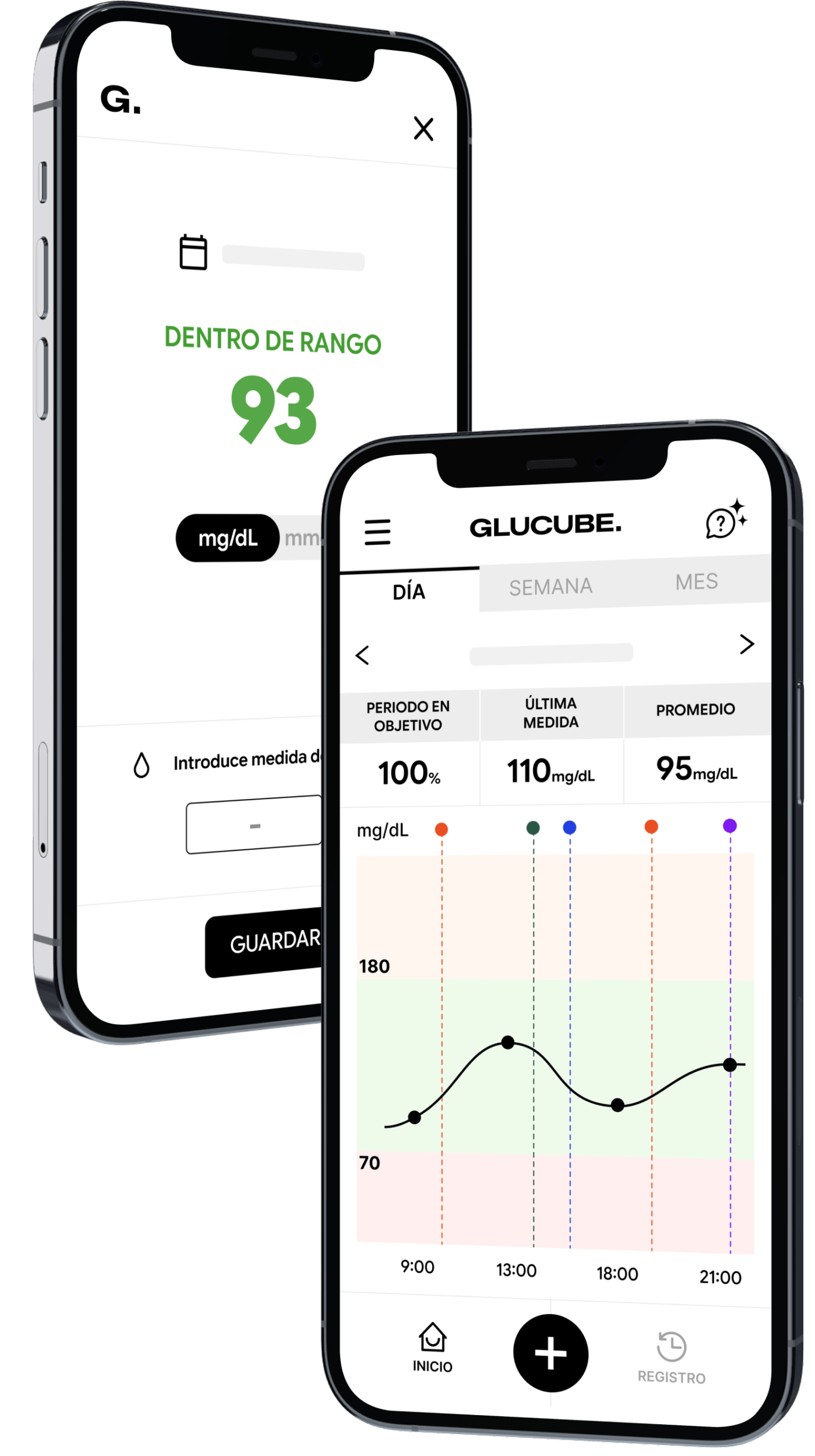
Every reading is logged in the app. You can track how your glucose evolves over time, spot trends, and share your history with your doctor or specialist through GLUCUBE PANEL.
01
Your day-to-day trends
See how your glucose changes over time. Check your time in range and identify daily, weekly, or monthly patterns.
02
Reminders tailored to you
Set personalised alerts so you never miss a reading. Choose the type, time, and message — and get a daily notification on your phone.
03
Understand your habits
Log your meals, physical activity, and medication. Understand how your daily choices are affecting your glucose levels.
04
Share with your doctor
Your doctor can access your full history in real time through GLUCUBE PANEL and generate detailed reports for a more complete follow-up.
Your glucose history, all in one place.
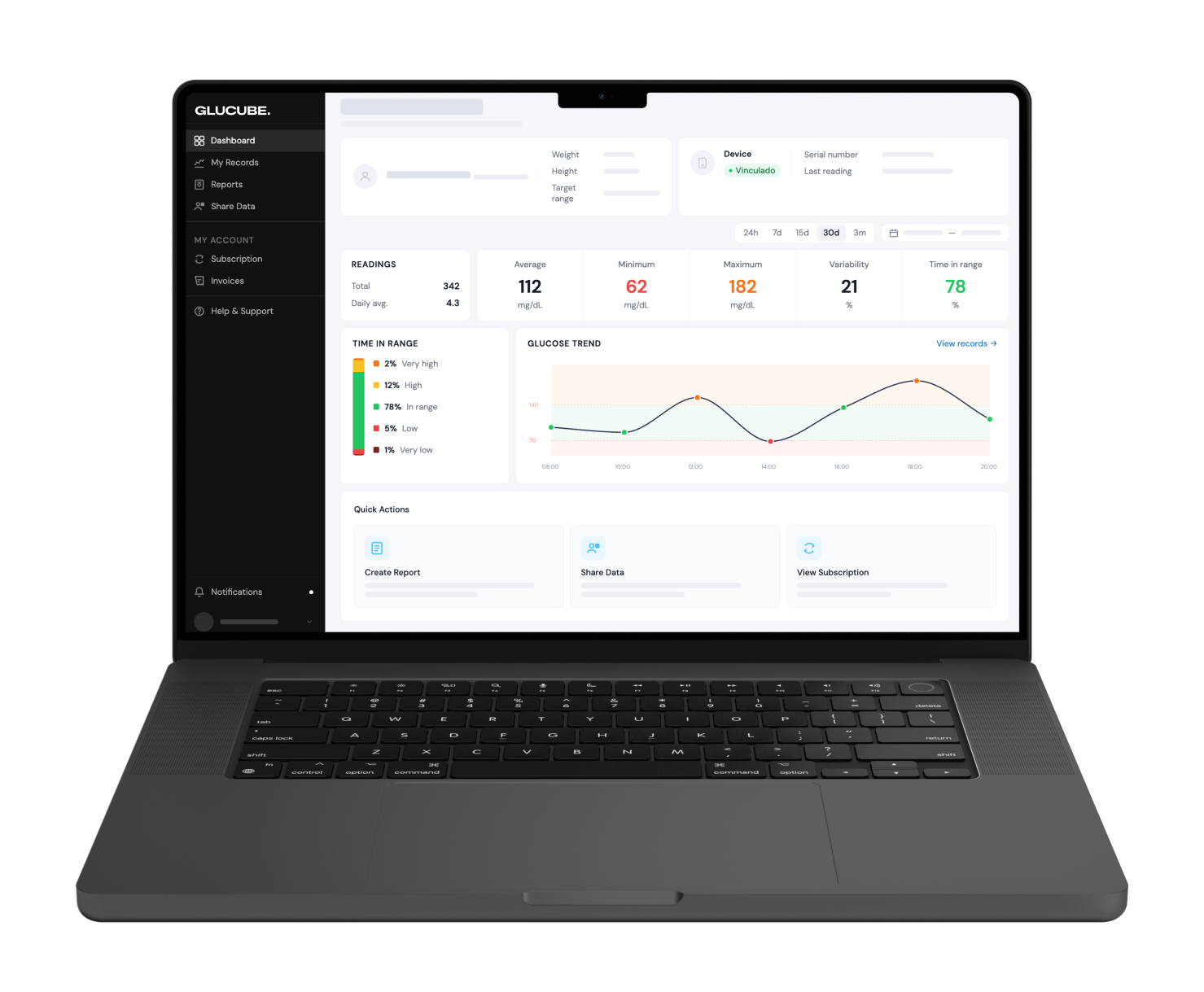
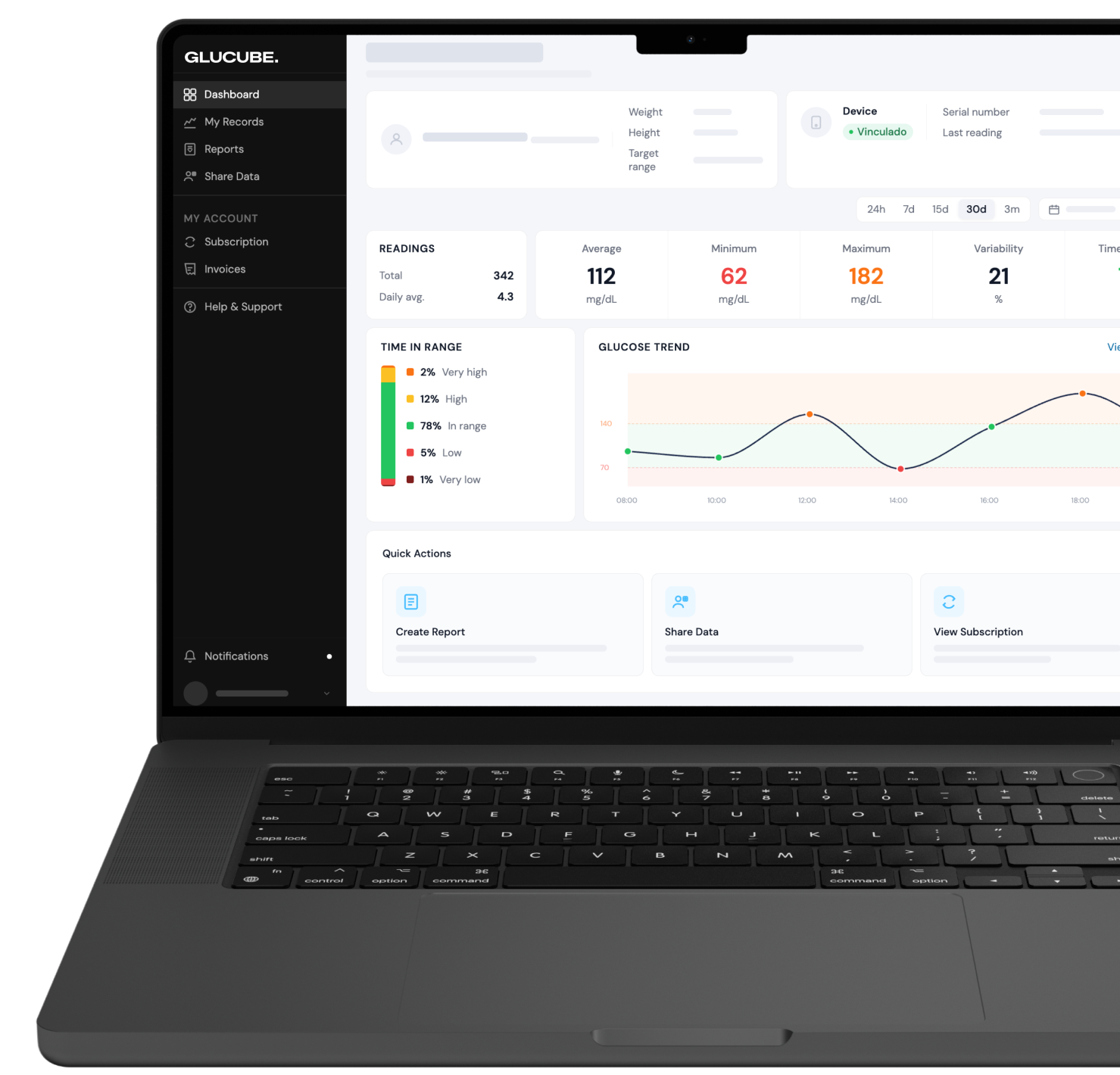
GLUCUBE PANEL is the web platform where you and your doctor have full access to your history, charts, and progress reports.
FOR YOU — THE PATIENT
- Extended history of all your measurements, organised by day, week, and month
- Glucose trend charts and time in target range
- Downloadable progress reports to bring to your appointments
- Help videos and user guides
- Subscription management
FOR YOUR DOCTOR OR SPECIALIST
- Remote, real-time access to your full history — always with your prior authorisation
- Visualisation of glucose trends and patterns to support clinical follow-up
- Downloadable progress reports to incorporate into consultations
- Identification of out-of-range values for more thorough monitoring
COMPARISON
What makes GLUCUBE different?
Every method has its place. GLUCUBE doesn't replace the capillary glucose meter or continuous sensors — it fills a different gap.
| GLUCUBE Non-invasive | Glucometer Fingerstick | CGM Sensor Continuous | |
|---|---|---|---|
| Completely non-invasive | |||
| No replacements or consumables | |||
| App with history and trends | |||
| Dashboard for your doctor | |||
| Suitable for type 2 diabetes without insulin | |||
| Continuous monitoring |
FREQUENTLY ASKED QUESTIONS
The most common questions about GLUCUBE.
Does using GLUCUBE hurt?
Not at all. GLUCUBE measurements are completely painless. Simply insert your finger and wait a few seconds — no prick, no blood draw.
How many times a day can I measure with GLUCUBE?
There is no daily measurement limit. The ideal frequency depends on each individual and their healthcare professional's recommendations.
What should I do if a result seems incorrect?
Confirm with the capillary glucose meter included in the kit and consult your healthcare professional if needed.
Do I need an internet connection to measure?
Yes. GLUCUBE requires a connection to process the measurement data and sync it with the app.
How long does the device battery last?
It depends on usage. With typical use of 4 to 5 measurements per day, the battery lasts around 10 days. With heavier use, less than a week.
Which phones are compatible?
GLUCUBE APP is available for iOS (iOS 16 or later) and Android (Android 9 or later) with Bluetooth enabled and an active internet connection.